История изменения цены
*Внимание! Указанная цена 2 775,86 - 3 172,41 руб. уже могла изменится, перед тем как купить данный товар перейдите на страницу продавца и проверьте актуальную стоимость.
| Месяц |
Мин. |
Макс. |
Цена |
| 13.05.2026 |
3524.70 |
3594.14 |
3559 руб. |
| 13.04.2026 |
2858.38 |
2915.99 |
2886.5 руб. |
| 13.03.2026 |
3469.3 |
3538.58 |
3503.5 руб. |
| 13.02.2026 |
3441.0 |
3510.4 |
3475.5 руб. |
| 13.01.2026 |
2747.68 |
2802.61 |
2774.5 руб. |
| 13.12.2025 |
3386.86 |
3454.3 |
3420 руб. |
| 13.11.2025 |
3358.65 |
3425.11 |
3391.5 руб. |
| 13.10.2025 |
3330.88 |
3397.89 |
3363.5 руб. |
2026-06-13 05:12:55 - Опубликовано
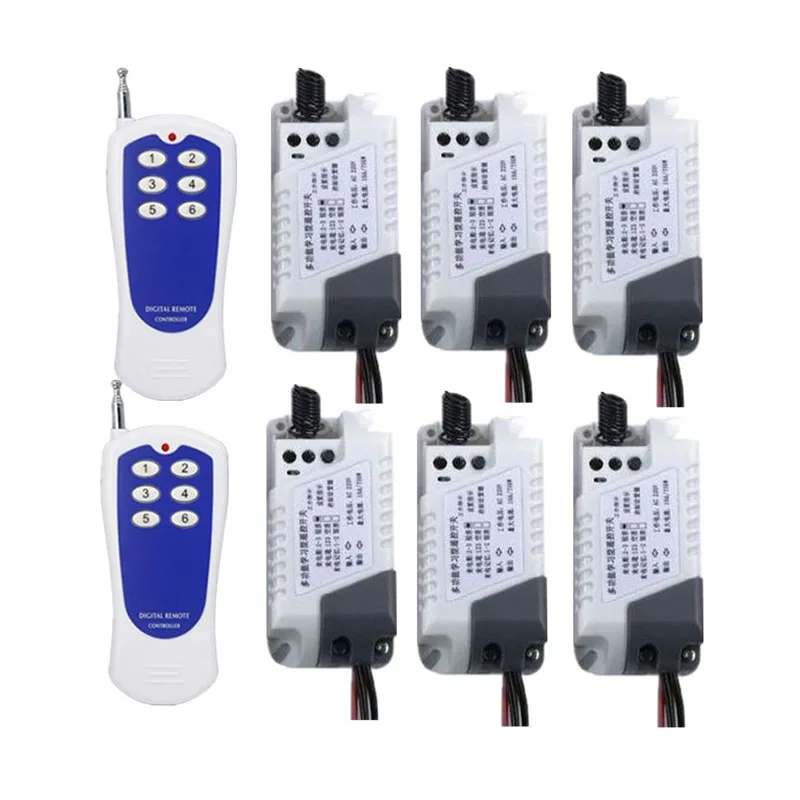
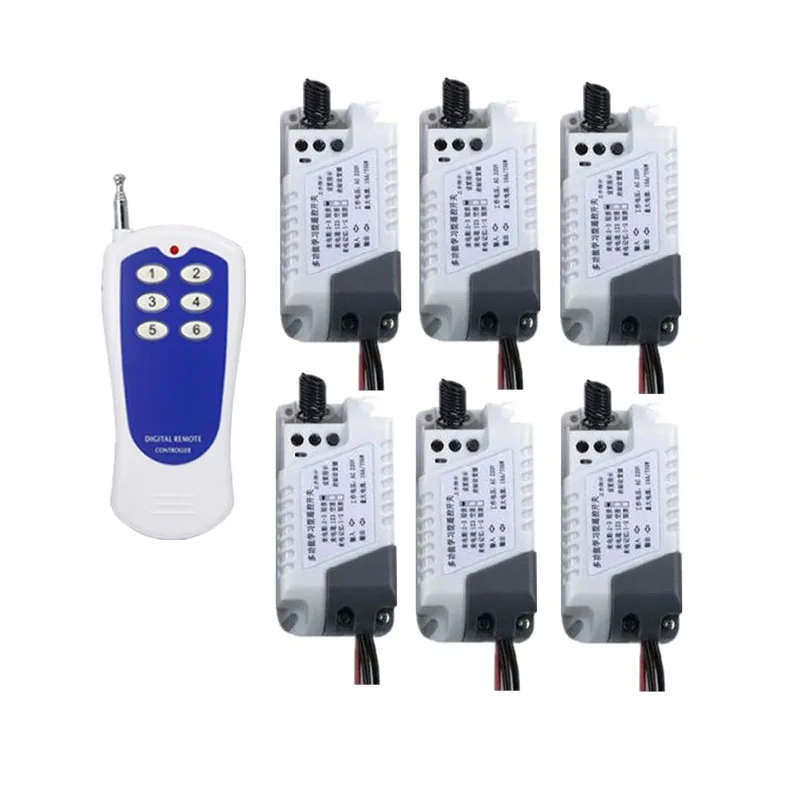
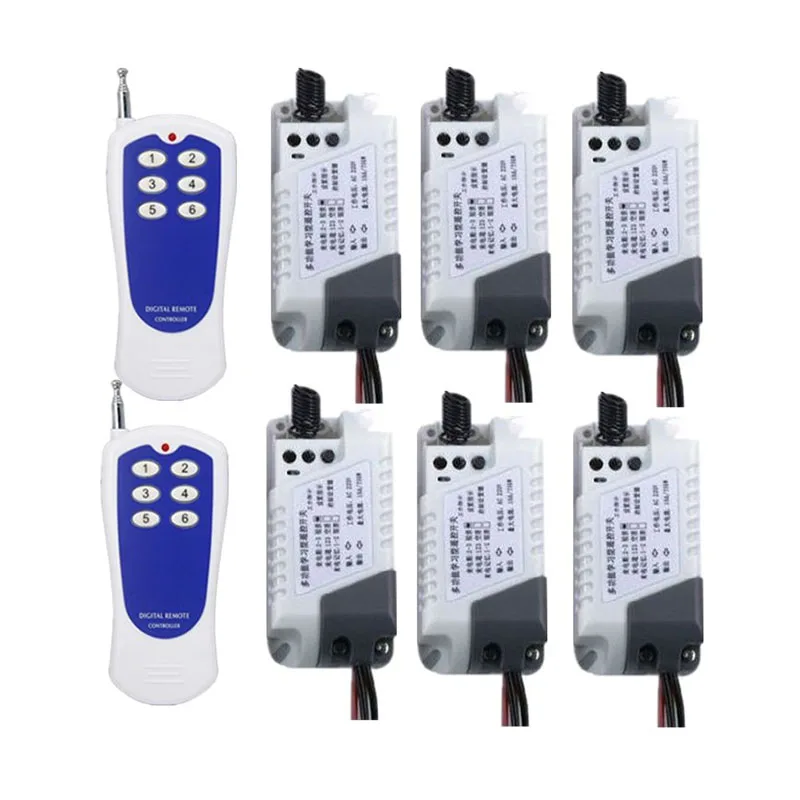
Купить AC220V 6CH RF Wireless Remote Control transmitter and receiver garage door projection screen shutters window | Обустройство дома
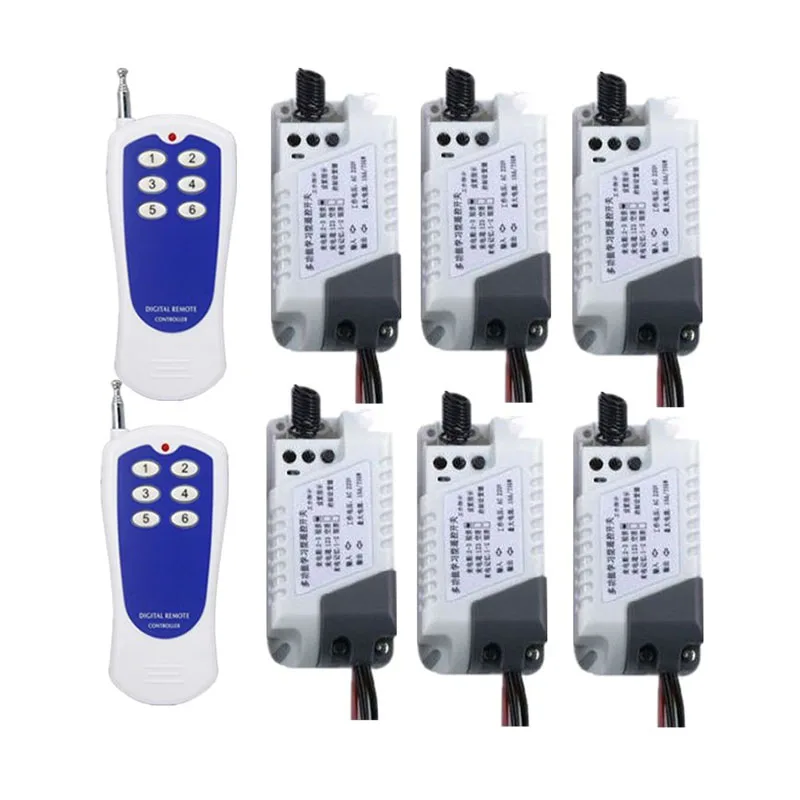
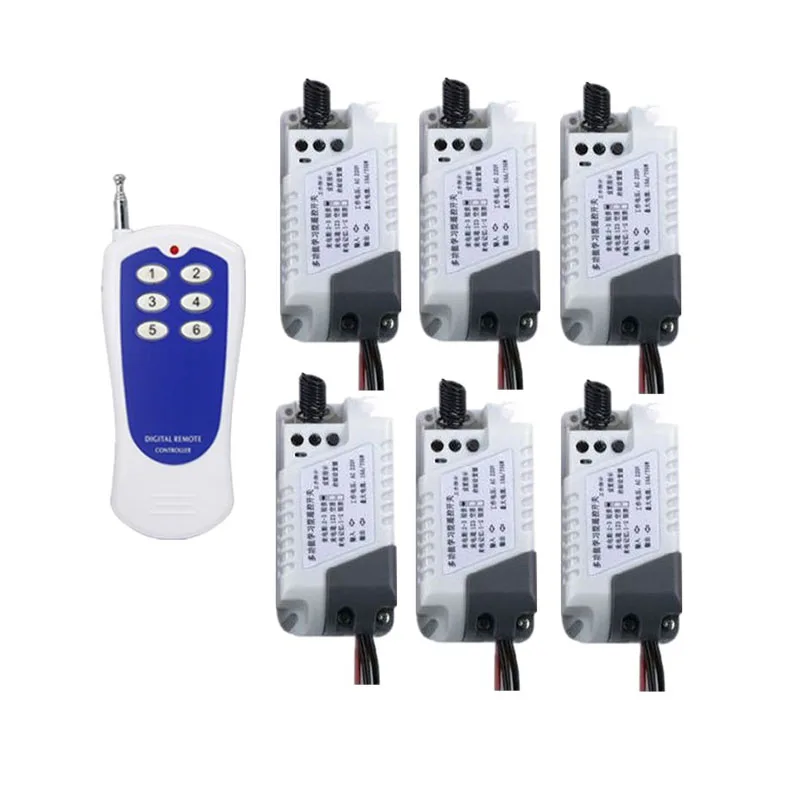
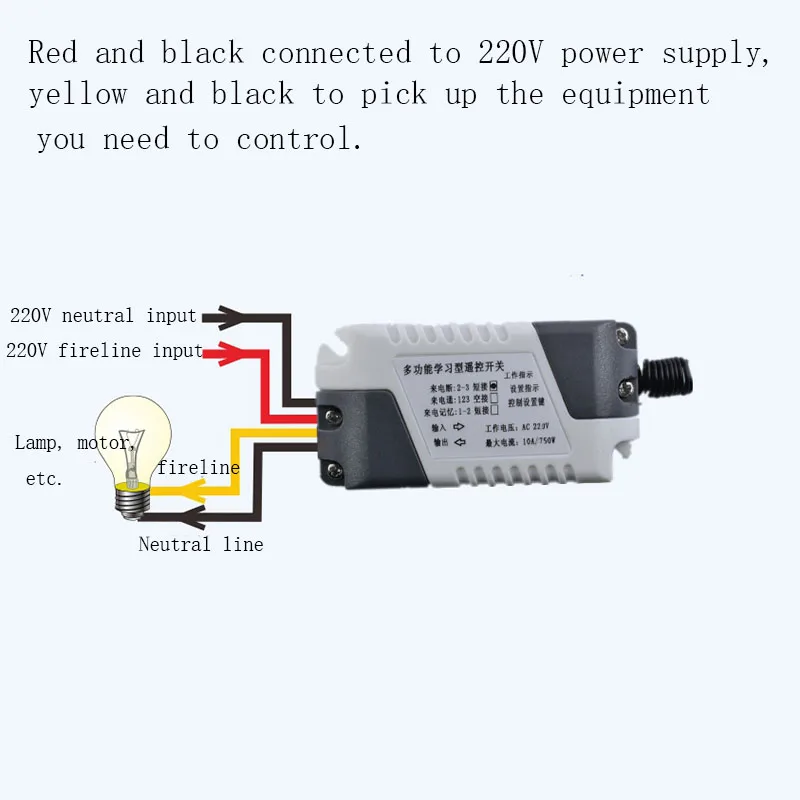
| Description 1.Transmitter Remote Control Distance:0-1000 M ( Ideal Distance without any block and signal interfere , it would rise and fall about 10%-90% with the block and signal interference.) Encode: PT2262 Frequency:315 or 433 MHz |
First, the working status description 1. Working mode: self-locking/interlocking/joging [free learning setting through learning key] Jog M4: Press A to open, release A to close, and the rest of the keys are analogized. Self-locking T4: Press A to open, then press A to close, and the rest of the keys are analogized. Interlock L4: Press A to open, press B to turn off A, and B to open. A B can only keep one key open. 2. Call status mode: power off / power on / memory [free switching through the pin cap] 3. Remote learning and mode setting: [The maximum number of different remote control buttons: 16). The receiver's operating mode is defined by the last learned remote control button. The total on/total off/delay function is not affected by the three modes. 】 Second, learning / clearing methods and steps 1. [Manual Switch]: Click the Learn button to set the button to implement the manual switch function. [Manual: Click the learning button, press: open, press again: off] 2, [Self-lock mode]: Press and hold the control setting button, wait until the setting indicator 1 flashes and then release it. Press the remote control button to learn during the indicator light change, and see the indicator light flashes 3 times. If you change, you will learn successfully. [Self-locking: use a remote control button, press: open, press again: off] 3. [Interlock mode]: Press and hold the control setting button, wait until the setting indicator 2 flashes and then release it. Press the remote control button to learn during the indicator light change, and see the indicator light flashes 3 times. If you die, you will learn successfully. [Interlock: suitable for two-button remote control, press one button: open, press another button: off] 4, [jog mode]: (ie non-lock) press and hold the control setting button, wait until the indicator light 3 flashes and then release, press the remote control button to learn during the indicator light disappears, see the indicator light flashes After 3 times, the change will be successful. [Non-lock: use a remote control button, press and hold: open, release: off] 5. [Total open function]: Press and hold the control setting button, wait until the second round of the indicator light flashes (ie, the fourth flash) and release it. Press the remote control button to learn while the indicator light is off. After seeing the indicator flashes 3 times and then disappears, the learning is successful. [Total open: When the button is pressed, the receiver is fixedly turned on] 6. [Total off function]: Press and hold the control setting button, wait until the second round of the indicator light flashes (ie, the 5th flash) and release it. Press the remote control button to learn during the indicator light change. After seeing the indicator flashes 3 times and then disappears, the learning is successful. [Total off: When the button is pressed, the receiver is fixed off] 7. [Delay function]: Press and hold the control setting button, wait until the second round of the indicator light flashes (ie, the sixth flash) and release it. Press the remote control button to learn during the indicator light change. After seeing the indicator flashes 3 times and then disappears, the learning is successful. [Delay: When the button is pressed, the receiver will automatically turn off after a delay of 1 minute, and the other buttons will not be valid during this period.] 8. [Clear all]: Press and hold the control setting button until the indicator light flashes from the second round 3 (ie, the sixth flash) and then flashes continuously for 5 times and then releases, then all the remote control codes are cleared successfully. . 9. Call status mode description: [If there is no special requirement, the default when shipping: call power off mode. You can change the call status mode yourself or tell us to help you set it up. 】Setting method: The position of the jumper pin next to the control setting button is changed to realize the position of the jumper cap (1-2 connected call memory, 2-3 connected call power off, 123 not connected to call power) 10, [call power off]: 2-3 pins are connected. [Call power off: When the power is off and then the call is made, the switch is automatically disconnected, the lamp remains off, and the subsequent switch state is controlled by the remote control. This mode: It is more suitable for remote control motor and remote control electric appliance, safety insurance, no need to worry about the problem of automatic operation of motor or electric appliance when power is cut again. 】 11, [call power]: 123 pins are not connected. [Calling power: When the power is turned off and then the call is made, the switch will automatically turn on after waiting for 1 second, the lamp will automatically light up, and the subsequent switch state will be controlled by the remote control. This mode: It is more suitable for remote lighting with wall mechanical switch. When it is used in series with the wall mechanical switch, the original wall mechanical switch can be used to turn on the light, and when the mechanical switch is energized, the light can be turned on and off by remote control. 】 12, [call memory]: 1-2 pins are connected. [Caller Memory: When the power is lost and then the call is made, the switch automatically restores the state before the power failure, and the subsequent switch state is controlled by the remote control. This mode is essential for work situations where the original switch state needs to be maintained. 】 ![6]()
![6]()
![HTB19jJ3VCzqK1RjSZFLq6An2XXa4]()
![HTB1rR6MNjTpK1RjSZKPq6y3UpXap]()
Отзывы о AC220V 6CH RF Wireless Remote Control transmitter and receiver garage door projection screen shutters window Обустройство дома
Здесь вы можете оставить свой отзыв о данном товаре.