



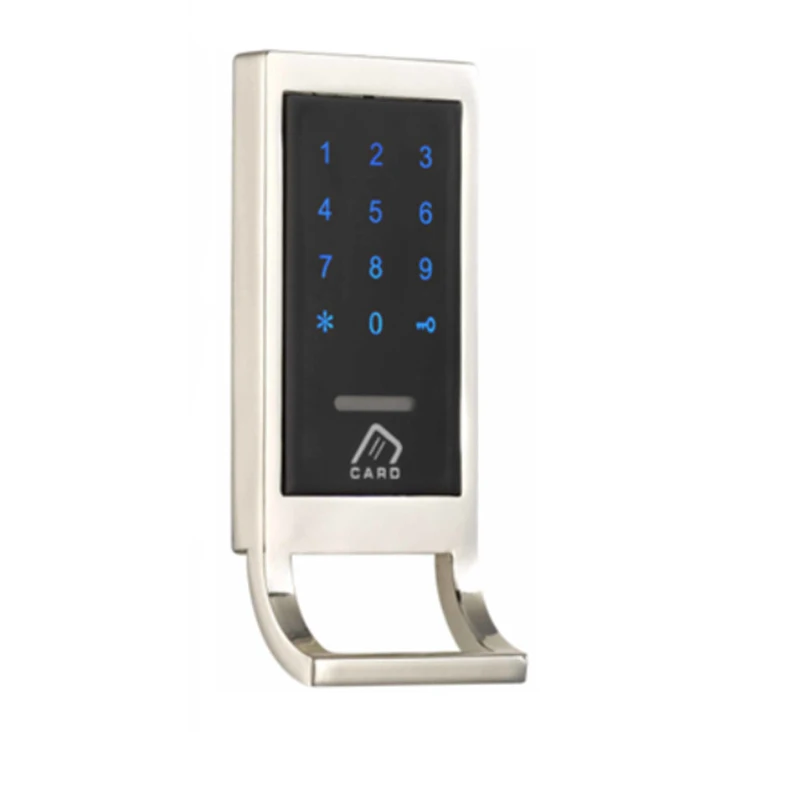
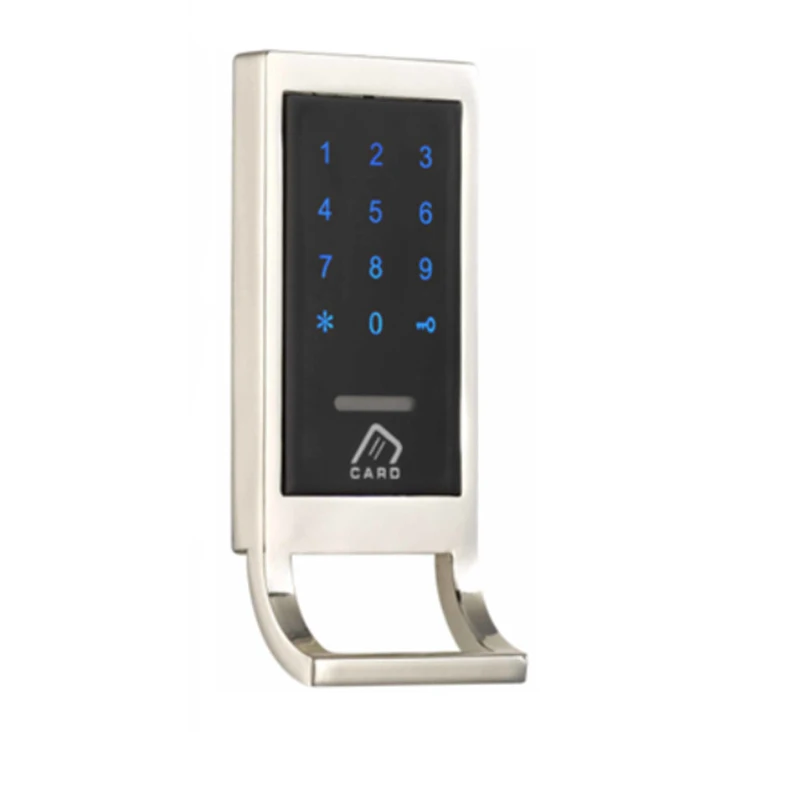
Drawer Password Access Electronic Door Combination Digital Lock Codes Security Protection Zinc Alloy Accessories Обустройство дома - купить
Специальная цена *
Категория товара: Locks

История изменения цены
Купить Drawer Password Access Electronic Door Combination Digital Lock Codes Security Protection Zinc Alloy Accessories | Обустройство дома
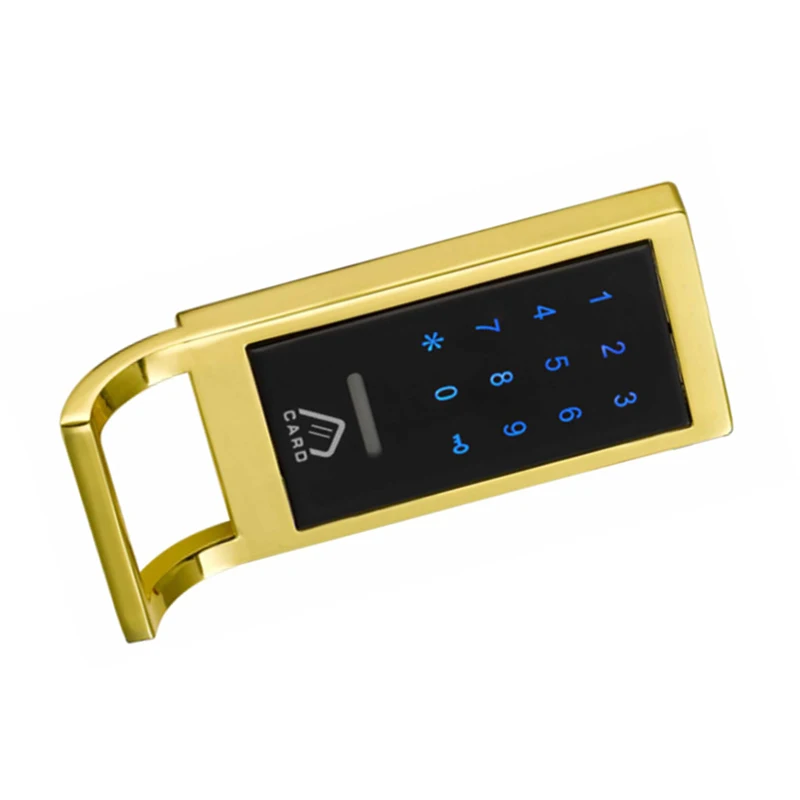
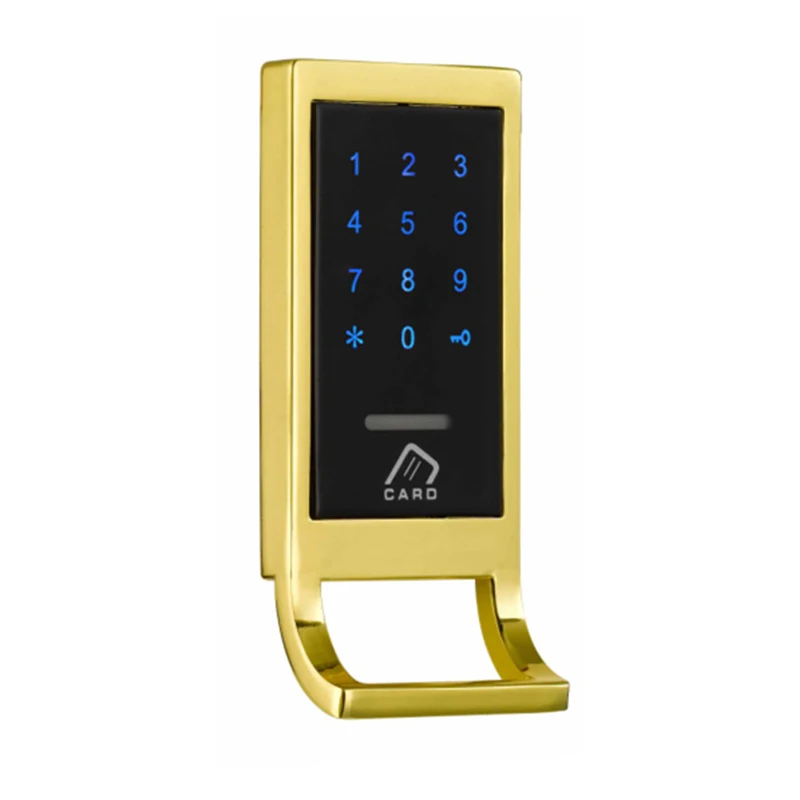
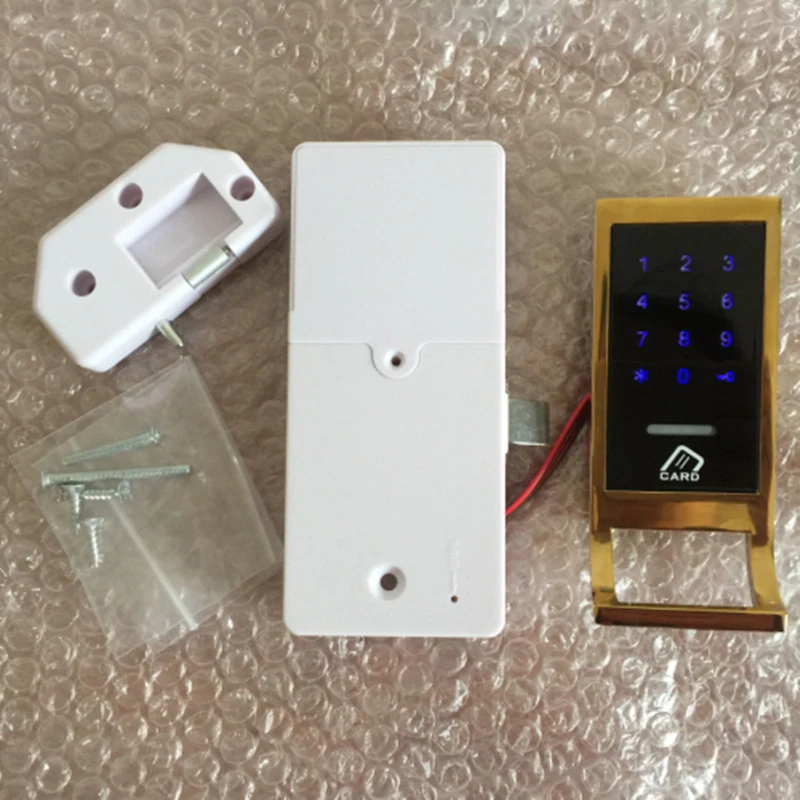
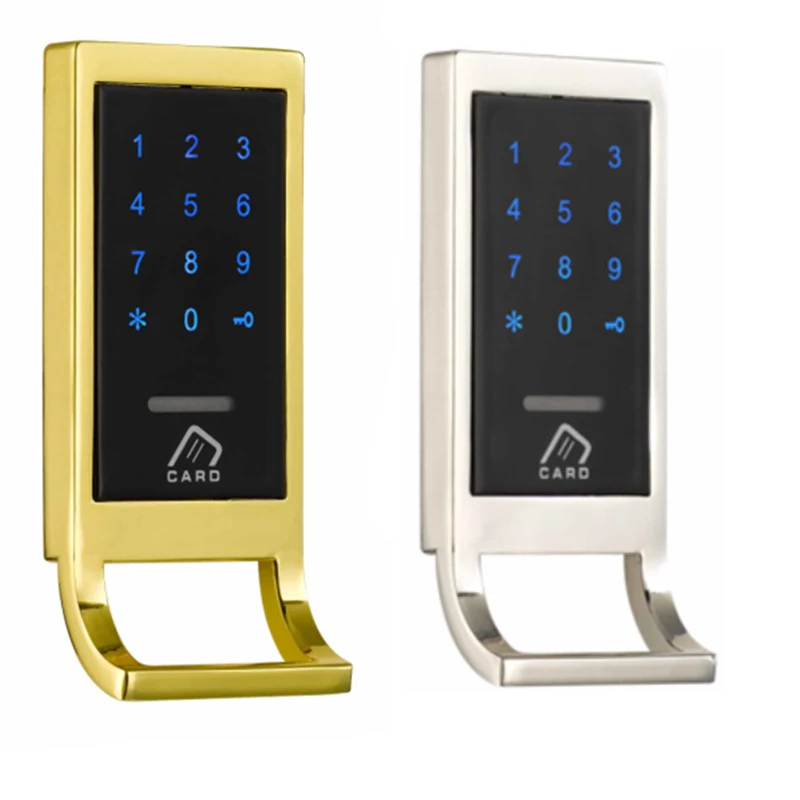
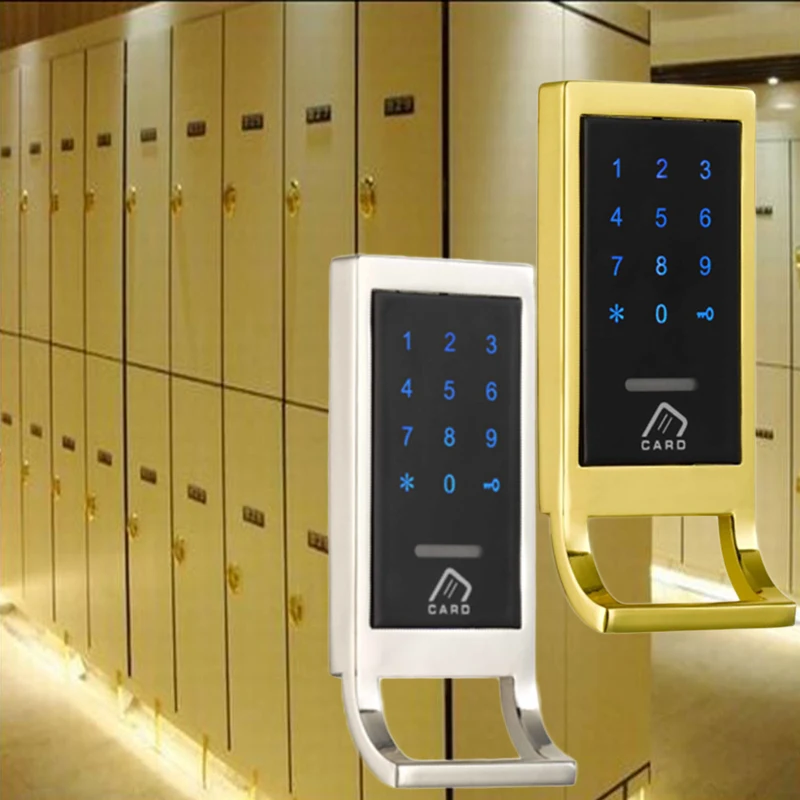

Item Details:
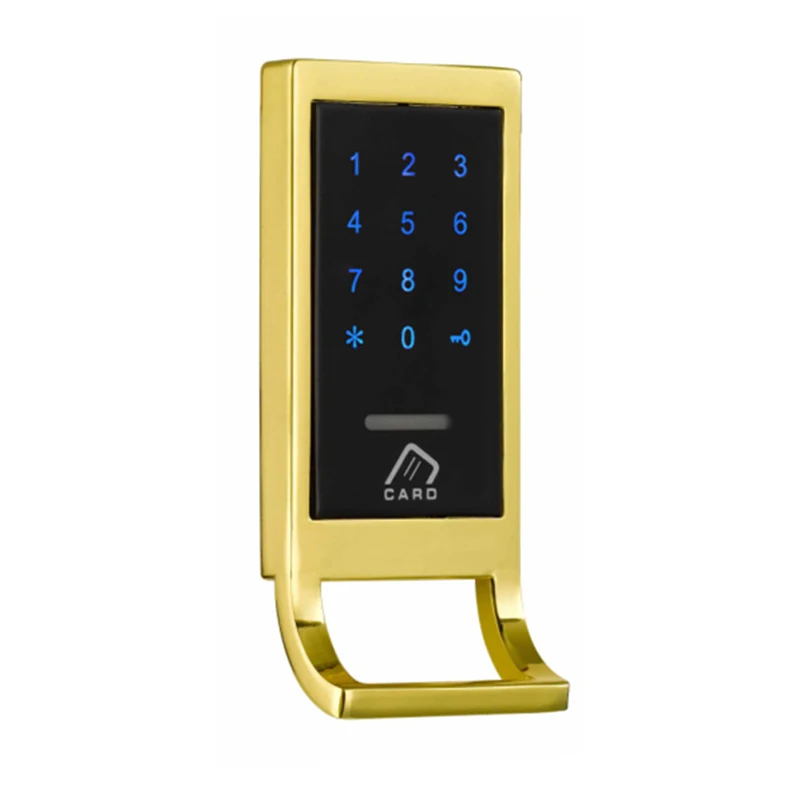
*Type: Touch keyboard lock
*Material: Zinc Alloy
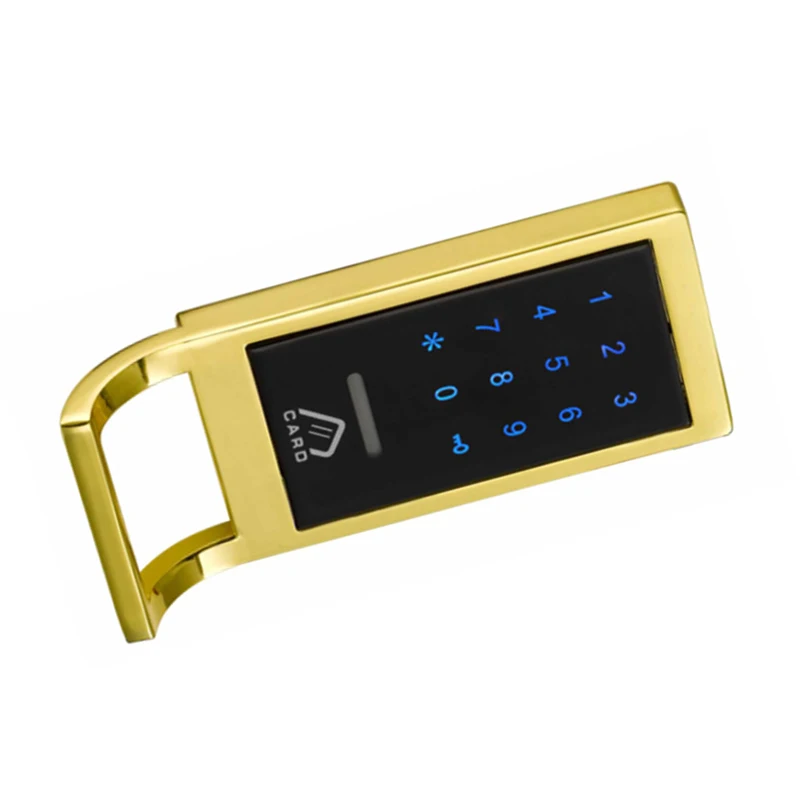
*Optional Color: Silver, Gold (As Pictures Show)
*Battery power: 4 AA batteries (excluded)
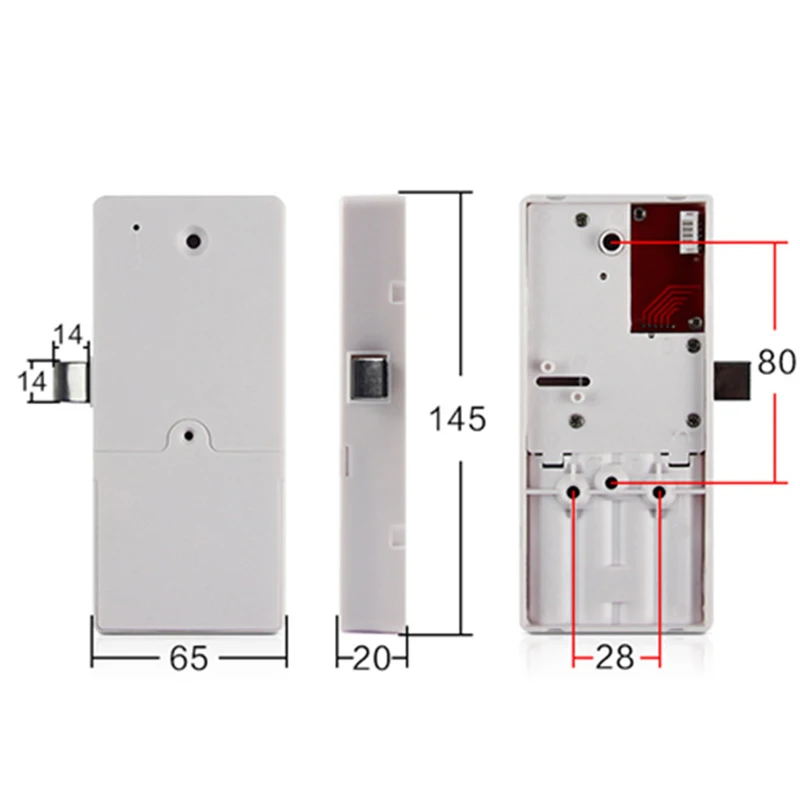
*Dimension(length*width): 11.5*5.35cm(Approx)
*Thickness Size: 16mm(Approx)
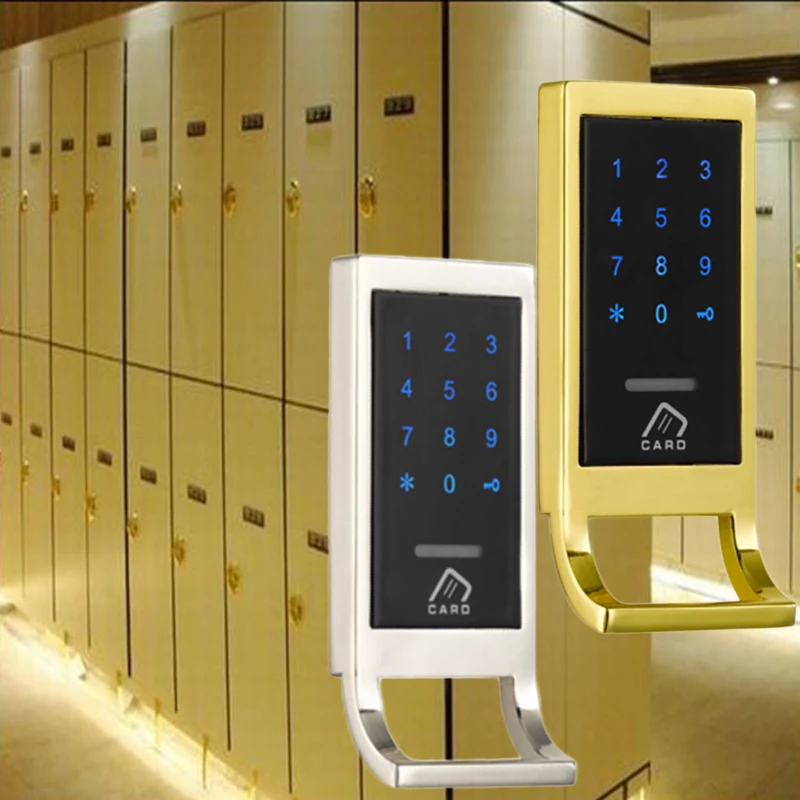
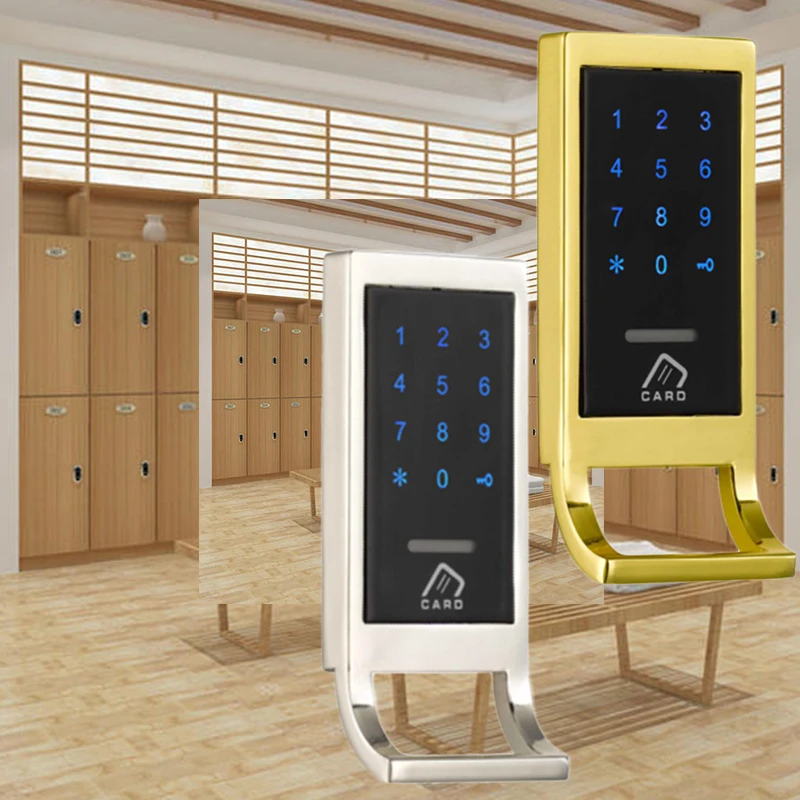
*Scope of application: steel, metal, wooden cabinet
*Made of high-quality zinc alloy material, it is safe, environmentally friendly, durable and has a long service life
*Touch keyboard password lock, no key required
*Very suitable for use
*Compact design, exquisite craftsmanship and precision
*Suitable for metal and wooden cabinets
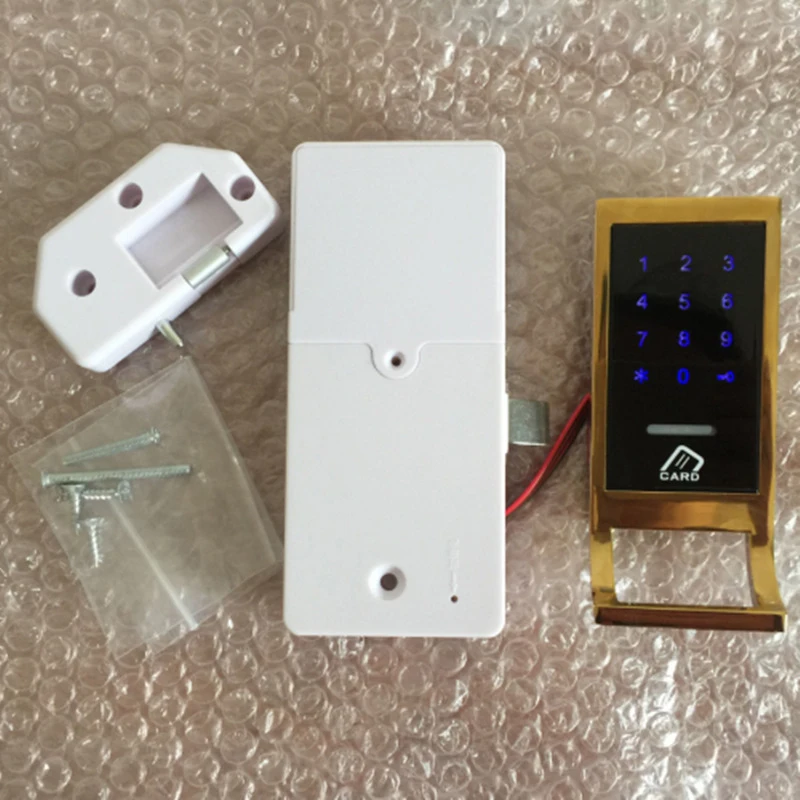
*Easy to install and provide all necessary accessories, easy to install
*Password digits: 4-15 digits
*Out-of-factory status: press button switch 5 times continuously, and the door lock will be restored to the out-of-factory status:
Management password: 12345678, default home mode, single-mode unlock
*Switch to Public Door Lock Mode:
Management password + key button 7: switch to public mode, when the door lock is in the open state
*Operating commands:
A. Managing User Management (Normally Open and Lock-in States are Operational)
1. Add management card:
When the door lock is out of the factory, the first card brushed is added as the management card
2. Modify the management password:
The original management password + key + 1 + new management password + key + new management password + key
B. Adding temporary users (usually open to operate)
1. Add temporary password (single open mode):
New Temporary Password + Key button New Temporary Password + Key button; Door Lock Closed
2. Add temporary cards (single-open mode):
Card swiping; door lock closing
3. Add temporary passwords and cards (in double-open mode):
New temporary password + Key button, new temporary password + Key button, and then swipe the card; door lock closed
Or swipe card, new temporary password + Key button, new temporary password + key; door lock closed
C. System settings:
1. Switching between household and public modes:
Management password + Key button 7 Key button
2. Switching from single-open mode to double-open (combination) mode:
Management password + Key button 6 Key button
3. Switching from double open (combined) mode to single open mode:
Management password + Key button 5 Key button
D. Open the door:
1. Open the door in single mode:
User password (or management password) + Key button; door lock often open, temporary password and card invalid
Card swipe; door lock often open, temporary password and card invalidation
2. Open the door in double card mode:
Management password key (or management card); door lock often open, temporary password and card invalidation
User password key (or card) +card (or user password key); lock often open, temporary password and card invalidation
*Exit status:
Press the button five times continuously, and the door lock will be restored to factory status: management password: 12345678, default household mode, single mode unlock;
Configuration in household mode: 1 group of management passwords, 200 groups of user passwords (numbered 001-200), 1 management card, 200 user cards (001-200)
Password digits: 4-15 digits
*Switch to Home Door Lock Mode
Management password + Key button 7 Key button: switch to home mode, when the door lock is closed;
*Operating commands:
A. Managing User Management
1. Add management card:
When the door lock is out of the factory, the first card brushed is added as the management card.
2. Modify the management password:
Original management password + Key button 1 + new management password + key new management password + Key button
B. Adding Users
1. Add user password:
Management Password + Key button 8 + Number (001-200) Key button User Password; Can be added continuously
2. Add user cards:
Brush Management Card 2 times + Brush Card...; Can be added continuously
C. Delete Users
1. Delete user password:
Management Password + Key button 4 + Number (001-200) Key button; Can be deleted continuously
2. Delete user cards:
Brush management card 2 times + 4 + number (001-200) Key button; can be deleted continuously
3. Delete all user passwords:
Management password + Key button 0 + key
4. Delete all user cards:
Brush management card twice + 0 + key
D. System settings:
1. Switching between household and public modes:
Management password + Key button 7
2. Switching from single-open mode to double-open (combination) mode:
Management password + Key button 6
3. Switching from double open (combined) mode to single open mode:
Management password + Key button 5
E. Open the door:
1. Open the door in single mode:
Card swipe; door lock open, close after 5 seconds
Password key; door lock open, close after 5 seconds
The password can be changed during the 5 seconds opening. After the lock tongue enters, follow the following operation:
1 + new password + key, new password + key;
2. Open the door in double card mode:
Management password key (or management card); door lock, closing after 5 seconds
User Password Key (or Card) +Card (or User Password Key); Door Lock, Close after 5 seconds
Note: Opening the door in double-open mode does not support user password modification.
Note: Enter the wrong password for 7 consecutive times and lock the keyboard for 2 minutes
Package Contents:
1*Digital Lock
Note:
1. The real color of the item may be slightly different from the pictures shown on website caused by many factors such as brightness of your monitor and light brightness.
2. Please allow slight manual measurement deviation for the data.
Отзывы о Drawer Password Access Electronic Door Combination Digital Lock Codes Security Protection Zinc Alloy Accessories Обустройство дома
Здесь вы можете оставить свой отзыв о данном товаре.